
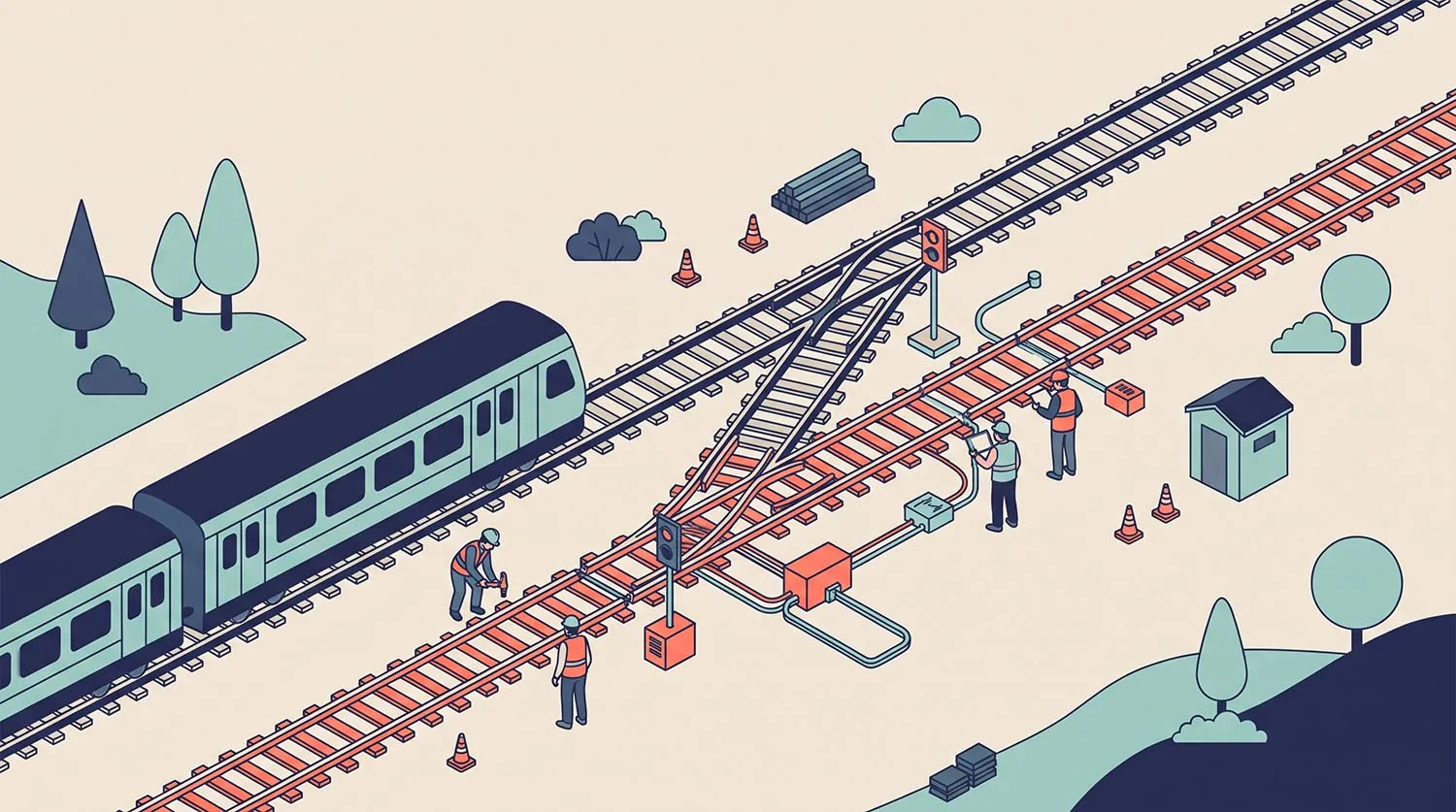
A critical system needs to change. It also needs to keep doing its job.
That tension is at the heart of legacy modernization. The software may be difficult to maintain, depend on unsupported technology, or prevent the business from moving forward. Yet the people using it still need to process orders, manage inventory, collect measurements, and serve customers tomorrow morning.
The Microsoft outage that began November 12, 2026, offers a timely reminder of what is at stake. According to Microsoft’s preliminary explanation, reproduced by the University of Pennsylvania, network maintenance and upgrades exposed a latent defect. Requests accumulated until affected servers exhausted their processing capacity, disrupting access to Exchange Online through Outlook and other connection methods into the following day. Read Microsoft’s incident updates.
Microsoft’s final report says planned maintenance had reduced gateway capacity just as redirected Teams traffic and peak North American demand converged on Exchange Online. That combination exposed a previously undetected Windows defect, and automatic rerouting spread the disruption to other regions.
Modernizing safely means understanding what must keep working, testing the behavior people depend on, limiting the impact of each change, and preparing a workable recovery plan. It reduces risk; it cannot eliminate it.
What must keep working during modernization?
“Keep the system running” is too vague to guide a modernization project. Which work must continue, and what would count as a failure?
An order-entry screen might load successfully while reserving inventory incorrectly. A report might display plausible numbers while interpreting historical records differently. A device might connect while assigning a measurement to the wrong configuration.
Start with concrete workflows. Follow an order, a payment, or a measurement through the system. Include the people who use it, the integrations that exchange information, and the jobs that run after everyone goes home.
For each critical workflow, establish what a correct result looks like and who can confirm it. Ask users about the exceptions they handle manually. Those workarounds may reveal rules that never made it into the documentation.
How do you uncover dependencies before changing a system?
The visible application is only part of the system. Its behavior may depend on database rules, device drivers, authentication services, scheduled jobs, network settings, and other applications.
The most useful question is specific: “If we change this component, what else relies on its current behavior?”
For a global healthcare manufacturer, Art+Logic developed a new application layer that worked with an existing UniData database. Coordinating inventory across old and new systems was part of the challenge. As hidden behaviors emerged, the team mapped and documented them. That knowledge also supported the client’s subsequent ERP transition, led by another integrator. Read the anonymous healthcare manufacturer case study.
A dependency map will rarely be complete at the start. Treat it as something to test and improve as the work progresses. An unexplained discrepancy is a reason to investigate before extending the change.
How do you test whether modernized software still works correctly?
A successful build shows that the software can be assembled. It does not show that the business can rely on it.
Use representative workflows and data to compare expected results with the modernized system. Include older records, unusual configurations, interrupted operations, and interactions with systems that are not being upgraded.
When old and new results differ, determine whether the difference is a defect, an intentional correction, or a previously undocumented rule. Reproducing every old behavior is not necessarily the goal. Understanding which differences are acceptable is.
Hardware-connected applications introduce another consideration. In the Sensor Networks project, Art+Logic used a simulator that generated ultrasonic waveforms to support testing before final hardware was available. That is a useful technique for repeatable inputs, while representative physical equipment remains important for checking device-specific behavior. Read the Sensor Networks case study.
How can you limit the impact of a failed release?
Where the architecture permits it, start with a limited workflow, customer group, or operating location. Define what that first stage needs to demonstrate before expanding it.
A pilot needs representative use. If the initial group never runs the monthly report or uses the older device model, a quiet pilot tells you little about those behaviors.
Also examine what the pilot shares with everyone else. A release limited to a few users can still affect a shared database or service. A small audience does not automatically mean a small impact.
Microsoft’s safe-deployment guidance recommends progressively expanding releases, checking health between stages, and allowing time for normal usage patterns to reveal problems. See Microsoft’s deployment guidance.
When should you pause a rollout?
Agree on the evidence that will pause a rollout and the person authorized to make that decision.
Monitor business outcomes as well as technical health. For an order system, successful logins are not enough; orders also need to reach the correct downstream destination. For a measurement system, receiving a message is different from producing a usable reading.
Choose thresholds appropriate to the system and establish a baseline before the release. A growing queue, unexpected reconciliation differences, or an increase in failed transactions may deserve attention even while the application appears available.
The release plan should make the next action clear: who investigates, who communicates with affected users, and who decides whether to resume, recover, or revise the approach.
Why isn’t rolling back the code enough?
Rolling back application code may not reverse changes to data, configuration, or connected systems. Recovery needs to account for all of them.
Suppose the new version writes records the old version cannot read. Reinstalling the old application leaves that incompatibility in place. Restoring yesterday’s database could remove legitimate transactions completed since the backup. Replaying those transactions could duplicate actions already sent to another system.
Work through those possibilities before deployment:
- Can the previous version understand data written by the new version?
- How will valid work completed during the release be preserved?
- Which external actions need reconciliation or correction?
- How long does recovery take when rehearsed with representative data?
- What can users safely do while recovery is underway?
The answer may involve backward-compatible data changes, restoring selected state, correcting the new version, or a planned service interruption. Choose a recovery approach that fits the system, then test it. A backup is useful evidence only when the team knows how it will be restored and what happens afterward.
Make safety part of the modernization scope
Dependency discovery, representative testing, monitoring, and recovery preparation take work. Include them in the plan and budget before delivery pressure turns them into last-minute decisions.
Before approving the next stage, ask the team to show you three things: the behavior that must be preserved, the evidence that the change is ready, and the recovery plan if it is not.
Those questions make “modernize safely” concrete. They also help distinguish a proposal to replace technology from a plan to protect the business while doing it.
If you are planning a modernization, talk with Art+Logic about the system you need to change. Your first conversation is with Aja, our VP of Sales. If the project looks like a fit, he can arrange a follow-up with a senior engineer to discuss the technical details.