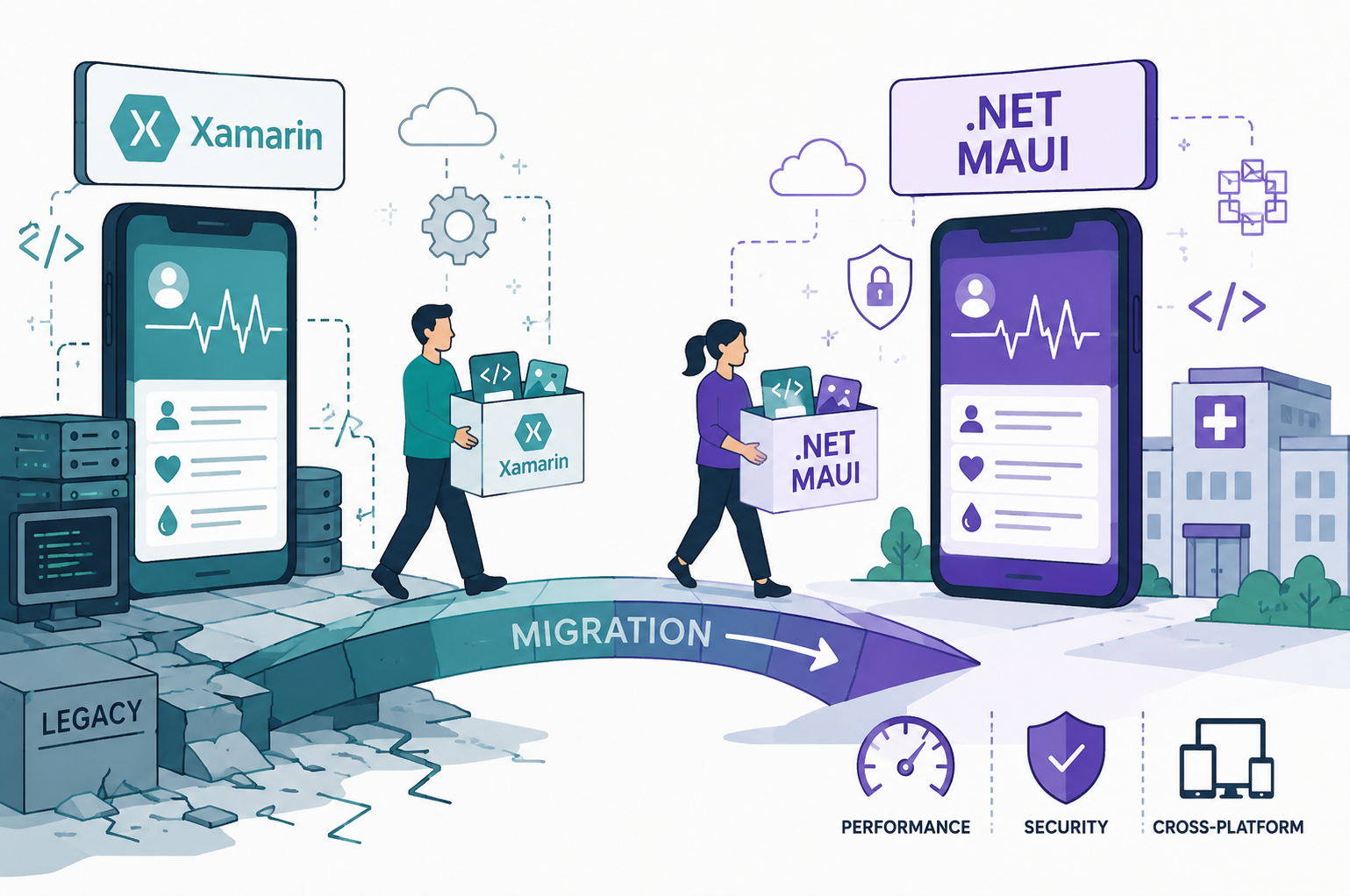
A widely used medical reference application built with Xamarin had become increasingly difficult to maintain as platform support deadlines approached. The client needed to modernize the application before operating system changes and framework deprecations created larger compatibility risks.
Art+Logic led the successful migration of the application to .NET MAUI, preserving the existing C# ecosystem while modernizing architecture, improving usability, and reducing future maintenance risk.
The Challenge
The original Xamarin application served medical residents and healthcare professionals who relied on quick access to treatment guides, splinting references, and antibiotic data while working in fast-paced clinical environments.
Migrating the application presented several major obstacles:
- Xamarin support was aging toward eventual deprecation
- Platform APIs and libraries had changed substantially
- The application contained years of accumulated technical debt
- A complete rewrite would have been cost-prohibitive
- Reliability requirements were extremely high due to medical usage contexts
The client needed a migration path that balanced cost, stability, and long-term maintainability.
Why .NET MAUI
After evaluating alternatives, including native mobile development and Flutter, the team selected .NET MAUI because it allowed the client to retain its existing C# investment and many familiar architectural patterns.
Choosing MAUI enabled:
- Greater code continuity
- Reduced retraining costs
- Faster migration timelines
- Easier long-term maintenance
- Lower overall implementation risk
The Migration Strategy
Rather than rebuilding the entire application at once, Art+Logic approached the migration incrementally.
The team:
- Reworked application layers piece by piece
- Updated framework dependencies
- Modernized UI components
- Refactored platform-specific functionality
- Continuously tested each migrated module
AI-assisted tooling helped accelerate repetitive migration tasks, but engineers maintained direct oversight throughout the process to validate generated code and ensure functional accuracy.
This careful balance between automation and engineering review allowed the team to move quickly without sacrificing reliability.
Improving the User Experience
The migration effort became an opportunity to rethink several critical workflows.
One major enhancement involved redesigning a complex antibiogram table used by physicians to cross-reference bacteria and antibiotics. The previous interface relied heavily on manual scrolling, making navigation cumbersome on mobile devices.
The updated experience introduced filtering and guided selection workflows that dramatically improved speed and usability for clinicians.
The team also developed a new licensing and account-management system that enabled users to purchase and manage digital content licenses directly.
The Results
The migration to .NET MAUI was fully successful.
Outcomes included:
- 100% resolution of known Xamarin-version bugs
- Successful transition to a modern supported framework
- Improved mobile UX and navigation
- Expanded licensing functionality
- Delivery several hundred hours under budget
- Reduced long-term platform risk
- Streamlined development and maintenance workflows
The project demonstrated that Xamarin-to-MAUI migrations can be both technically successful and financially viable when approached with the right modernization strategy, tooling, and engineering oversight.