Overview
If an app tracks user activity, Apple requires them to declare all information they collect as well as whether that data is linked or tracked. This includes collection by the app itself and any third parties the app uses. The app owner is responsible for knowing and correctly reporting privacy information for all components in the app.
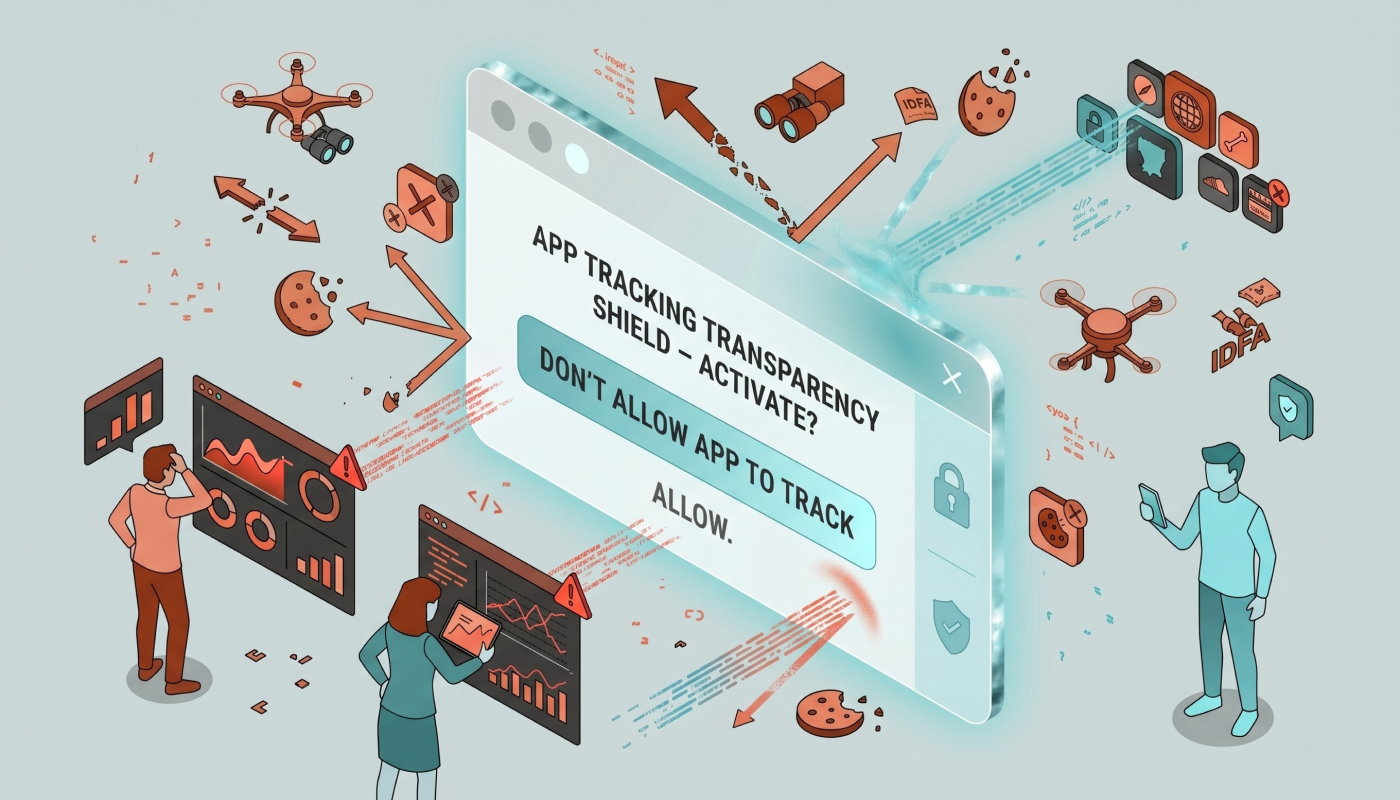
The information is declared in two places, the Privacy Nutrition Label shown with the app in the App Store, and a privacy manifest the app carries. If an app will be tracking users, it must request permission to do so from the user.
Collectively these requirements and practices are known as App Tracking Transparency (ATT).
Terms
Collecting information is storing information for longer than it is needed to perform whatever function generated or required the information. For example, even server logs might be considered collecting.
Linking is connecting the collected data to a specific user in some way.
Tracking is
"aggregating linked data from one or more sources to build up some profile of a specific user that potentially can be combined with information form other sources to target a user for advertising or tracking advertising performance."
(From Apple's privacy and data use documentation.)
Concerns
Determining what to include in these privacy declarations takes all parties. The organization that owns the app and their legal counsel should review the information. What the app declares should match the organization's posted privacy policy, of course.
Code reviews should be done to determine how information is being used and the privacy implications. This might involve reviewing logging and database schemas as well as reviewing where data is transmitted. If a third party performs any data collecting, their privacy statements and manifests should be reviewed.
Privacy Nutrition Label
In 2020 Apple introduced the Privacy Nutrition Label. They are created using App Store Connect. In the App Store > TRUST & SAFETY > App Privacy section under the Distribution tab, Apple provides a UI for creating the label.
I don't recommend starting with this. Instead, create the privacy manifest because it is seen as the ground truth by Apple. After the privacy manifest exists, Xcode can provide a privacy report for your app that makes this easier.
One quirk to mention is that changes to the Privacy Nutrition Label go live on the App Store immediately, so there could be discrepancies when submitting a new version.
Tracking Permission
In 2021, Apple added the requirement for requesting permission from the user to allow tracking. If the user does not agree, then it is up to the app to make sure no tracking occurs by it or any third party libraries it uses.
Keep in mind that users disable allowing tracking in their OS settings; meaning they will never see a request for permission, and any queries for the permission will return a value meaning not permitted.
Privacy Manifests
"A privacy manifest is a property list file (PrivacyInfo.xcprivacy) that you add to your target’s resources. The privacy manifest describes the privacy practices of an app or third-party SDK."
In 2023 Apple introduced privacy manifests, and in 2024 it started to require them in apps submitted to the App Store.
Xcode also provides an editor that has the relevant keys and values like it does for the info.plist format.
Generating the manifest
Create a privacy manifest using
New > File from template...
and choose the template App Privacy.
It's then a painstaking, manual process to input what data is collected and how it is used. Referring to the app's privacy policy statement if it already exists is the best way to populate this file. Ideally, the organizational review and code reviews will have been done by the time you create this.
Tracking Domains
The manifest's tracking domain section lets you black list some domains used for tracking. This is a fail-safe to prevent tracking if the user has not agreed to it. These domains will be blocked automatically when the user does not want to be tracked.
Checking your work
To see your app's privacy manifest in a user friendly way, use Xcode Organizer. Generate an archive build, then right click on the arvie in the Organizer and select Generate Privacy Report. This creates a PDF with the information about data types collected and how they are used. It will include the third party privacy manifests information.
Now use this report to create the Privacy Nutrition Label in App Store Connect.
Conclusion
Hopefully this primer will keep your head from spinning too much when you get more into Apple's comprehensive overview. Good luck!