
From the Art+Logic archive · written in 2021. The tools may have moved on; the thinking still holds.
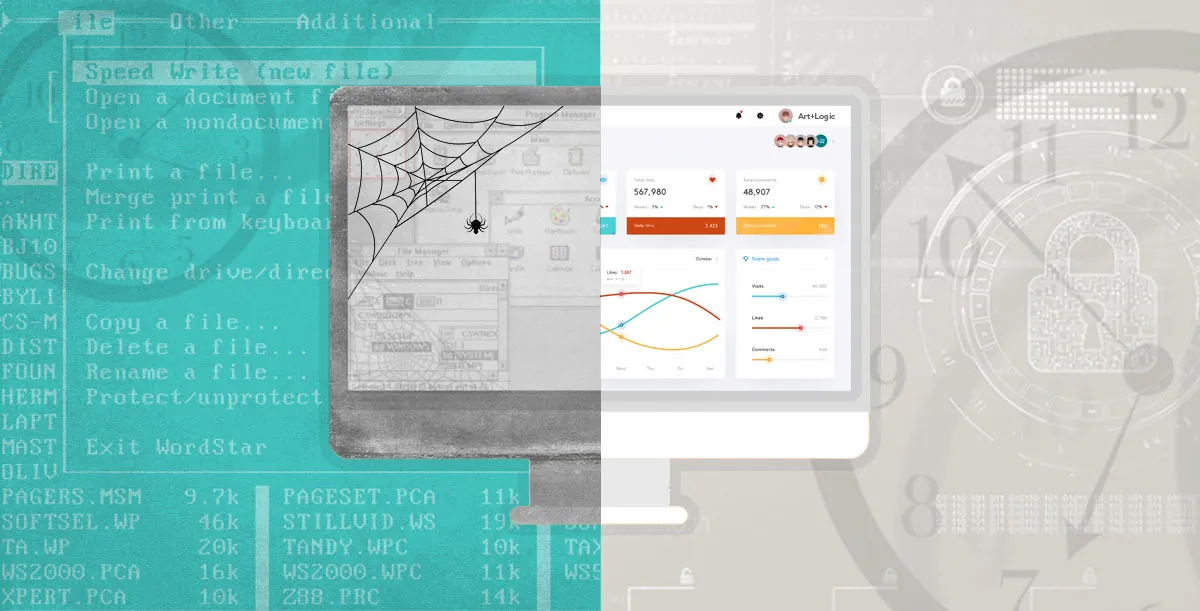
Does your business still have an XT computer in the back office because it’s running that one version of some database software that your business depends on? Yeah, we know there is. Most modern software doesn’t work like that.
If you aren’t keeping your custom software up with the changing computing environment, it will fail not necessarily because it has flaws, or the hardware can no longer meet the demand, but because the support your software relies upon has changed.
Let’s look at the vulnerabilities you must manage so that your software does not reach its end of life before losing its inherent usefulness.
Hardware
Even though hardware is not changing as frequently as it used to when speed improvements necessitated frequent hardware updates, there is still a little risk. Look at Apple’s change to its own processor from Intel’s. These changes can be painful, but happily they have slowed to be less than decadal rather than yearly.
Operating System
Operating system vendors have been great accelerators of software development through frameworks that give your custom software a leg up. Often working directly with these is necessary to give the kind of experience users expect. And, for some time now, there are also programming languages connected to these platforms. Those tied to commercial organizations will be changing frequently due to competitive pressure if nothing else, but open source platforms also need to remain relevant and can introduce changes that break your software.
Third Party Libraries
Whether open source software or commercial, the libraries your software uses will be moving ahead with somewhat less concern for how it affects your software than you have. Even something like a fundamental math library will probably be churning out improvements despite no new numbers having been invented since (zero)https://en.wikipedia.org/wiki/0 was invented about 1600 years ago.
They also can have the same vulnerabilities as your own software and potentially must evolve or fall into irrelevance.
Protocols, Standards and Formats
Your software is using common data formats or communicating with other devices in some agreed way, a protocol. They may be standardized or may not, but they will often be moving forward in technology’s seemingly unstoppable march. When they change it can ripple out just like an OS update. All the software implementing the protocols, standards and formats will need to change, whether yours or third party.
Remote Interactions
Your software sends messages into the ether to get some result from a service. That service is software and has the same vulnerabilities to being left behind as your software. If they evolve your software can lose functionality or fail should you not keep up with those changes.
In addition, nearly unique to this risk, services go away. When they do, it leaves you scrambling to find a replacement that minimizes the cost to recover the functionality.
Security
Underlying all of this is keeping your data and your users safe from unauthorized intrusions. It is the most important reason to keep on top of your dependencies and so cannot be ignored. Security compounds the above risks as each dependency of your software has the same exposure to security risks as your own. I put this last in the list to emphasize that it overshadows all the other risks.
Conclusion
It is often frustrating to incur the cost to make changes because they don’t result in new or improved functionality. However, these moments can also be seen as opportunities to get in those enhancements you’ve been planning while reducing the overhead of a developer ramping up to being efficient on your project again if it is not in active development.
Moreso, when you want some feature added and find that your software is so far behind that there is unplanned work to get it up to date and ready for the new work to be done…I imagine that would be most frustrating.
Once your software falls behind, catching up can be far more costly than it would have been to make the gradual changes needed to prevent the avoidable software senescence.